 Nick QuickSign in
Open Your Laptop To Work That's Already Been Done For You
Build an assistant with an email address of its own on Grok Bot, then forward it the jobs buried in your inbox. Magic Inbox gives you the free guide and setup assistant, with about twenty minutes of setup. Grok Bot is a separate service; trial limits and ongoing plan or usage costs may apply.
By Nick Quick · 2 modules
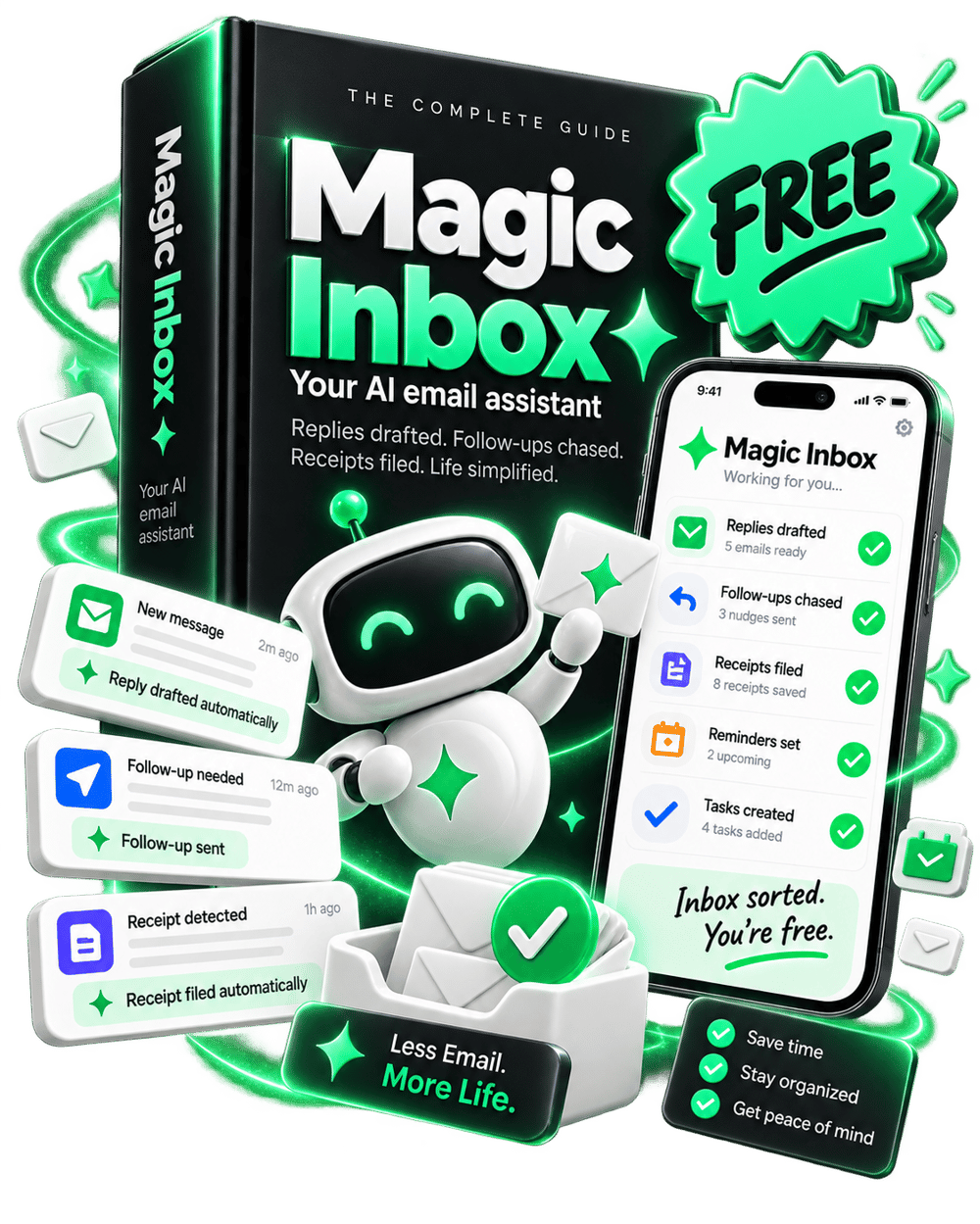
I Gave My Assistant An Email Address And It Stole My Job
I hated that job. The pay was shit, on account of it being me doing it for free at eleven at night. And I wasn't any good at it.
Here's what the job actually was.
Every inbox is a to-do list you didn't write. Most of what's sitting in yours is a task wearing a sender's name. Book the thing. Pay the invoice. Answer the question. Find the file. Chase the person who went quiet on you.
So you sort the list instead of working it. Emails that need nothing from you get archived. Emails that need something get snoozed, because not right now. A few get done, whichever ones you could stand that day.
Tomorrow the snoozed emails are back, in exactly the state you left them. And they brought friends.
So I stopped doing it. My AI assistant has its own email address now. I forward it the emails I'd have snoozed, and they start getting done automatically.
Sorting a to-do list finishes none of it. It only decides the order you get to feel bad in.
The Tasks You Keep Putting Off. None Of Them Are Yours Anymore.
- The quote you sent three weeks ago gets chased, so it stops being money you never collected
- The buyer who can't find their login gets working access and a written reply, before they email you a second time
- Every "I'll have that to you by Friday" you send comes back as a reminder on Thursday
- Your client's new requirement goes into that client's brief, instead of staying buried four replies deep
- The receipt gets filed with its vendor, amount and date, so tax season stops being an archaeology dig
And that's just five tasks off your list. The Magic Inbox takes dozens more, and the best ones are the ones you invent yourself.
Adding one of your own takes a sentence. Tell it how to handle that kind of email once, and it handles it from then on.
You Are The Most Expensive Assistant You Will Ever Employ
Work out roughly what an hour of your time is worth. Then think about what you spent last night doing. Copying an address out of a confirmation email. Hunting for a receipt. Writing a reply you'd already written twice this month.
The worse version is the one where you don't do it at all, and it sits there until doing it stops being an option. The quote goes cold. The trial charges you. The buyer gives up and asks for a refund instead.
That's the bill. It arrives as tiredness rather than an invoice, which is why nobody ever adds it up.
Plus: Five Moves Nobody On The Other End Can See
BCC your assistant instead of forwarding. Blind copy, so the person you wrote to never sees it was there, and it goes to work anyway.
That Thursday reminder is the one to start with. The person waiting never learns you needed reminding. They just think you're somebody who always delivers.
The other four come with the setup, on top of what you came here for.
If you're on Substack, your subscriber list lives inside Substack, and the only way to get it out is exporting the whole thing by hand. Your assistant reads the notification Substack sends you and adds each new subscriber, as they arrive, to a separate marketing list you own in Kit or Mailchimp. That's where your promotions go, instead of into your publication.
Some of it happens out in the real world. I forwarded my assistant an email about a limited screening of a movie I wanted to see, and it came back with two tickets. Best seats in the house. All it cost me was forwarding the email.
Wake Up To Work You Didn't Have To Do
Set aside about twenty minutes tonight for the core setup. The paste blocks, the filters, the playbook, and the setup assistant are free. Your operational inbox runs on Grok Bot, a separate service with a time- and usage-limited trial. Continued use may require a qualifying paid plan, and on-demand usage may cost extra. Check the current Grok Bot plans and limits at https://cursor.com/help/grok-bot/plans before you start.
Your email stays private and you can leave whenever you want.
Questions
Is this really free?
The Magic Inbox guide and setup assistant are free. Grok Bot is a separate service with a time- and usage-limited trial. Continued use may require a qualifying paid plan, and on-demand usage may cost extra. Check current plans and limits at https://cursor.com/help/grok-bot/plans before starting. Claiming Magic Inbox does not create or run your operational inbox for you.
How long does setup take?
About twenty minutes for the core path. Inventing your own rules after that is optional.
Do I need to know how to code?
No. Paste blocks, filters, and standing orders in plain language.
Will it send email as me?
No. The assistant gets its own address. Anything that reaches another person stays behind your approval.
Refunds
Free product. Cancel or stop using anytime. No charge to reverse.
Get Magic Inbox
Free guide and setup assistant. Build your inbox on Grok Bot; separate trial limits and plan or usage costs may apply.
Nick Quick
Crafted with Love (and AI)